
Chams controls
Applies To Player / AI / Weapon / Hands / Self
Choose which entities chams affect.
Enable
Master switch for the chams section.
Style (Static Color / RGB Color)
Static color or cycling RGB.
Static Color Picker
Pick the color when using static style.
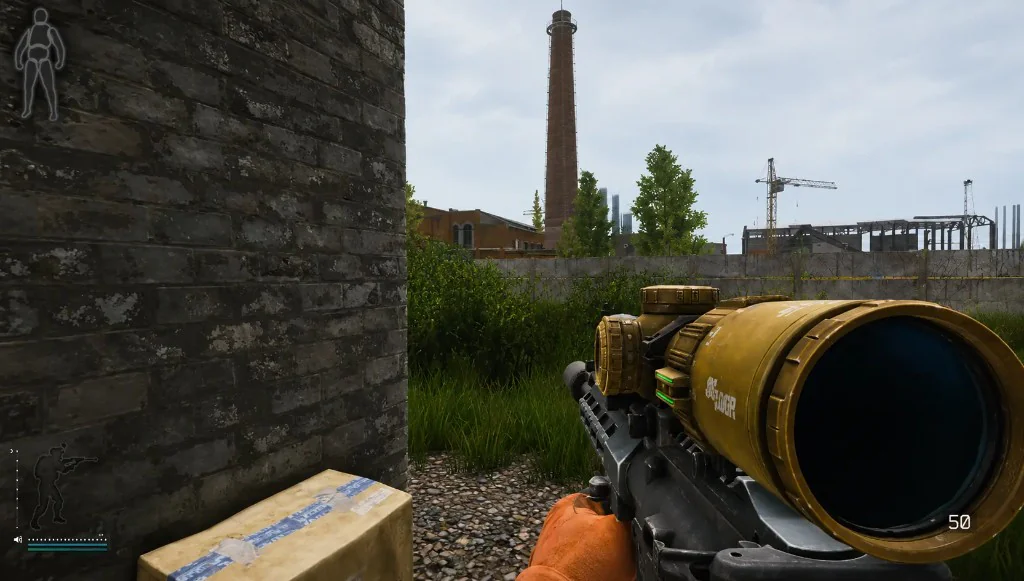
What chams are for
Chams make silhouettes easier to spot than text alone. They do not replace distance or health labels from player ESP.
Pick one or two apply targets first, usually player and weapon, before turning everything on.
Static vs RGB
Static Color uses the picker for a fixed tint. RGB cycles colors for high contrast.
If the screen feels noisy, turn chams down before you disable ESP.
Works well with
Related reading
Delta Force chams questions
Are chams the same as player ESP?
No. ESP draws labels and boxes. Chams change model shading.
Can chams apply to my own weapon?
Yes. Weapon and hands are listed apply targets.
Do chams include loot?
Loot uses the loot ESP module. Chams target players, AI, and gear models.
Chams ships with the full menu
One license covers every module. Monthly is $35 for 31 days. Lifetime is $150.
Around the site
Status, checkout, and the guides that sit around this module.